Reimagining Presentations in XR
Place, scale, and co-edit slides in 3D space—transforming presentations from flat and linear to immersive, multi-user, and interactive.
Overview
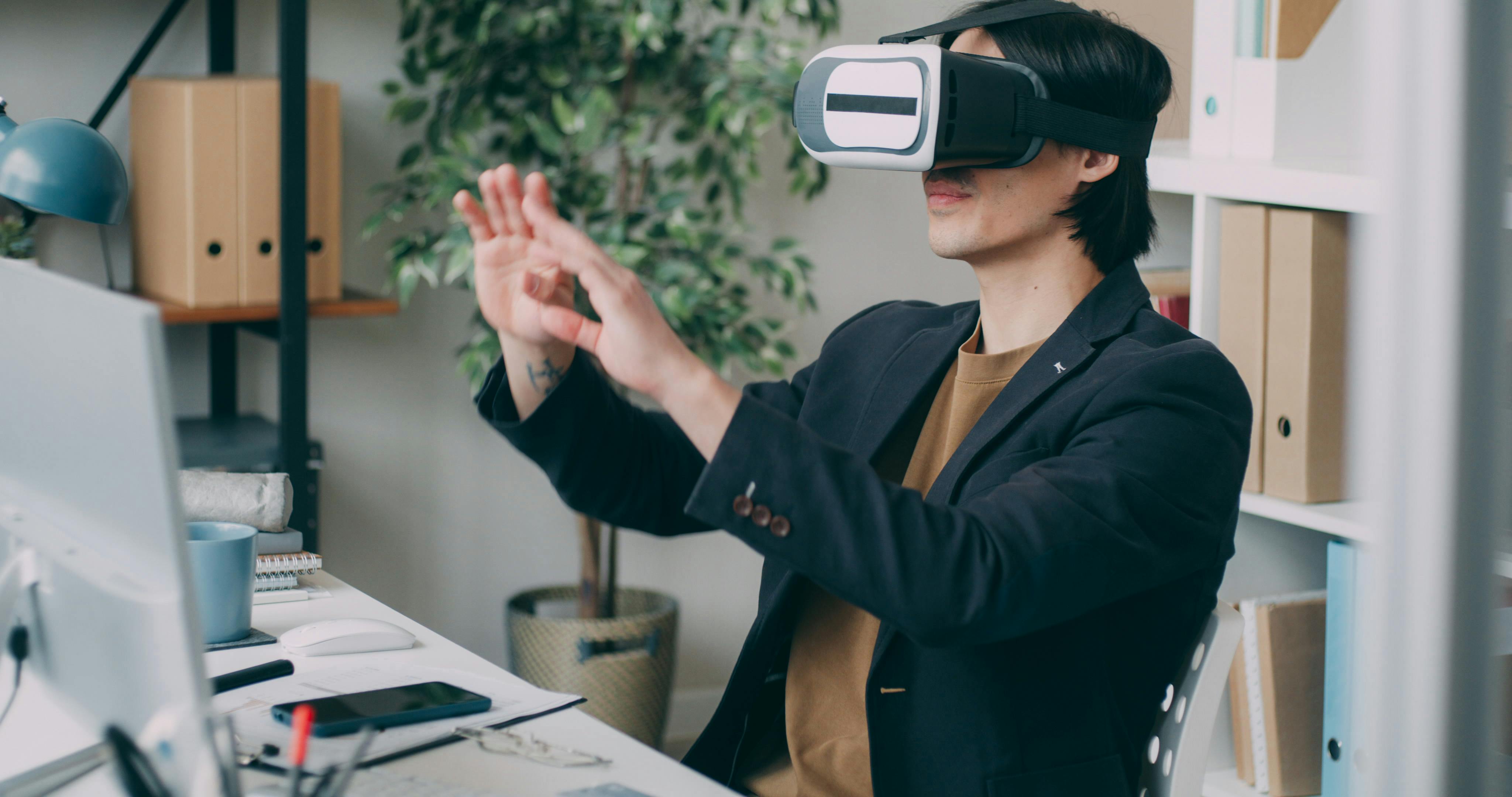
XR-Present World reimagines Microsoft PowerPoint within an Extended Reality (XR) environment. Traditional slide presentations are often constrained by flat, linear formats that limit immersion and collaboration. This project introduces a 3D virtual presentation space where slides can be placed, scaled, and interacted with in spatial environments. The aim is to enhance user engagement, support collaborative work, and transform presentations into dynamic, multi-user XR experiences.
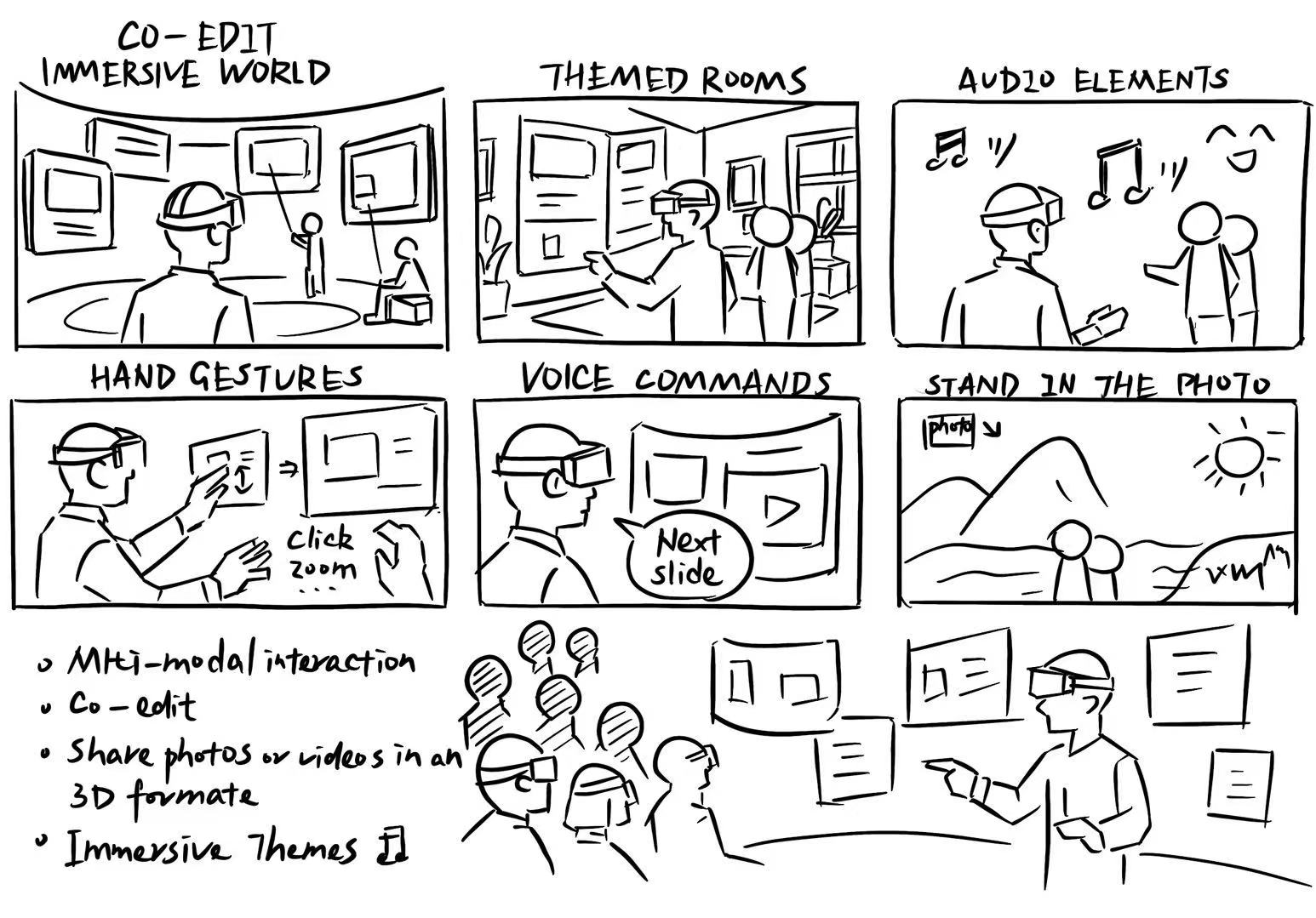
- Spatial Slide Authoring – freely move, rotate, and scale slides in 3D.
- Immersive Media Walls – transform photos into interactive 3D scenes.
- Collaborative Environments – real-time co-editing and shared spaces.
- Themed Rooms – visually and aurally enriched contexts to match presentation topics.
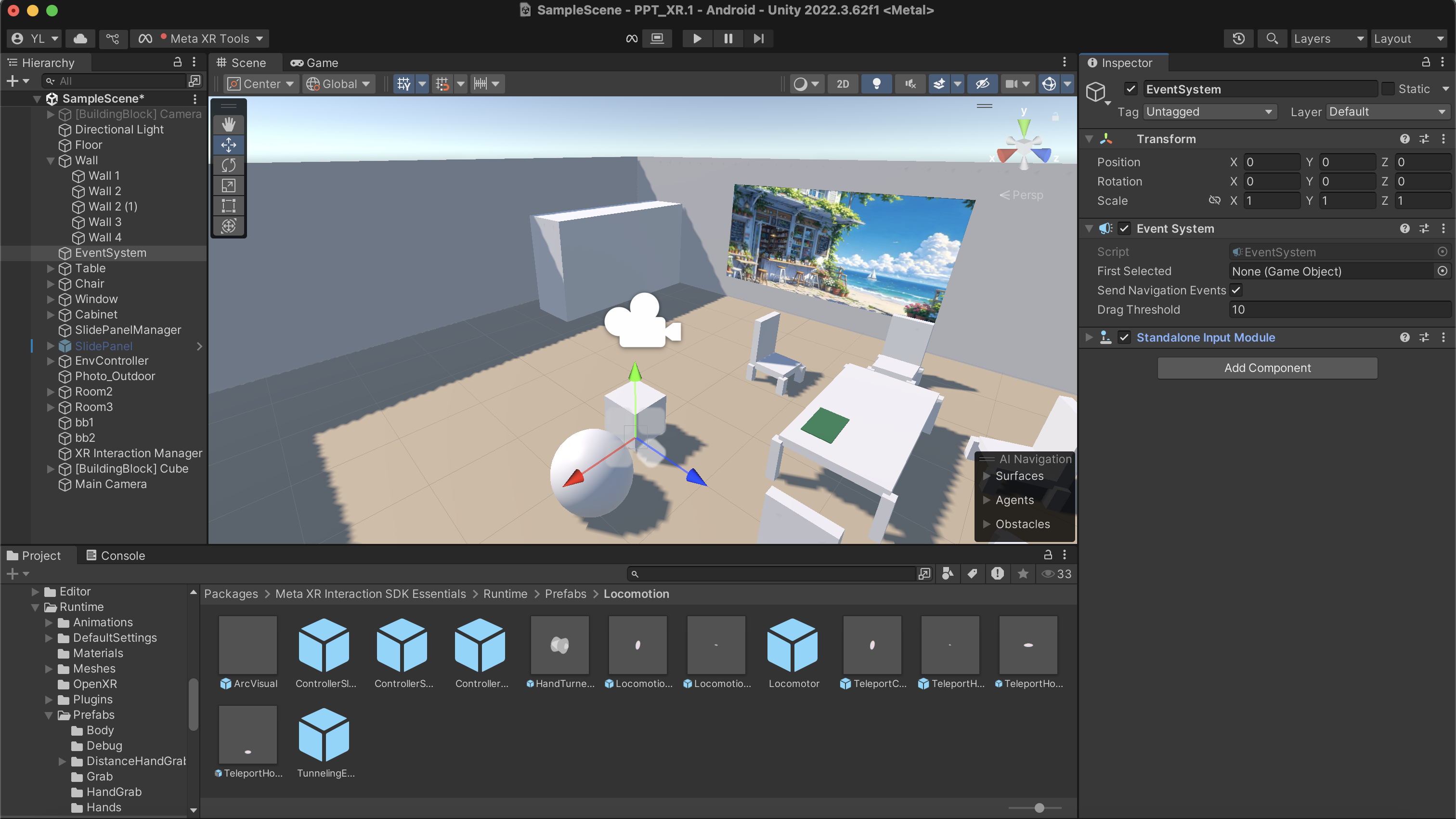
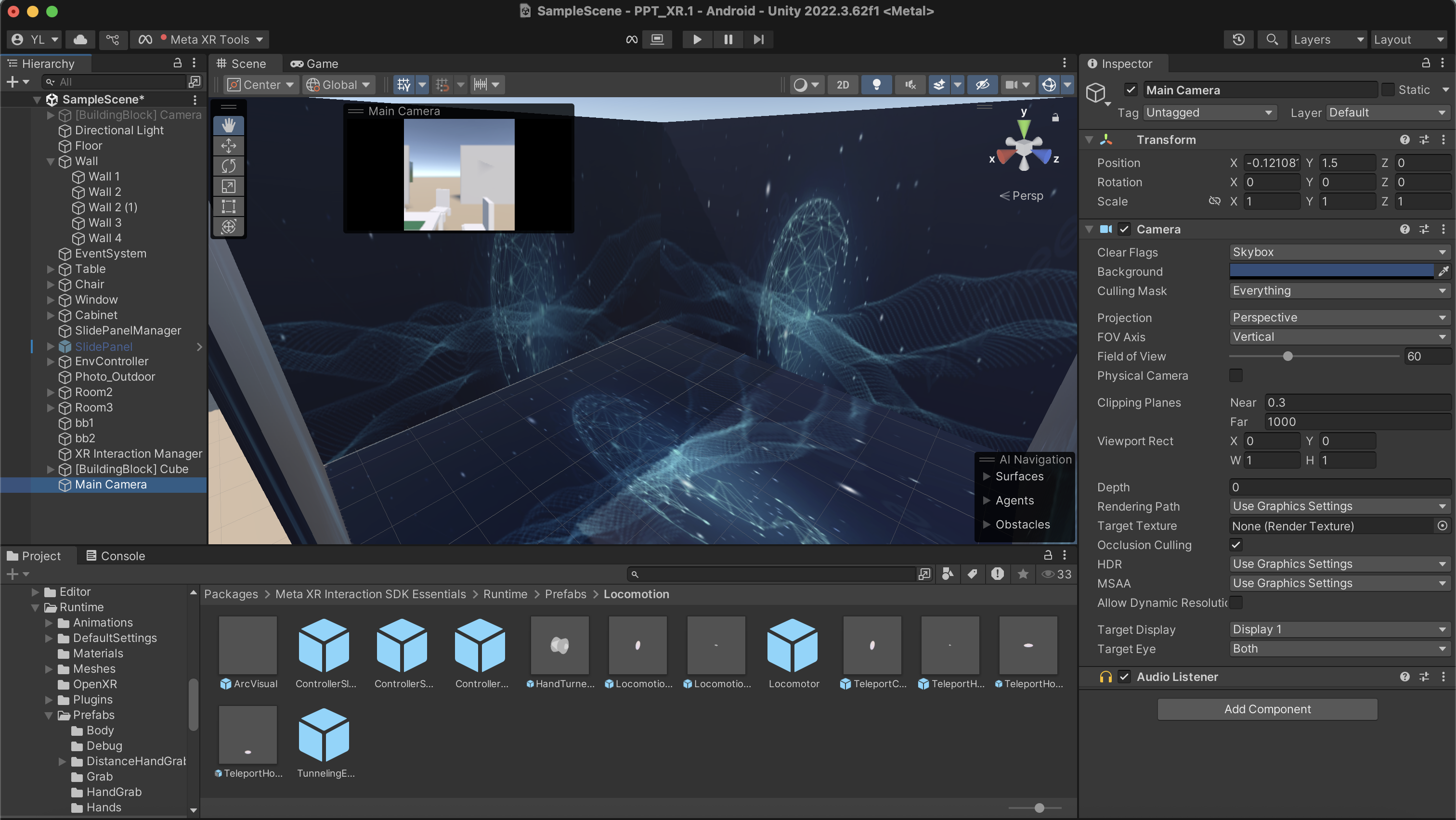
Prototype 1: Horizontal Exploration
Unity (mouse & keyboard) • breadth over depth
Goals
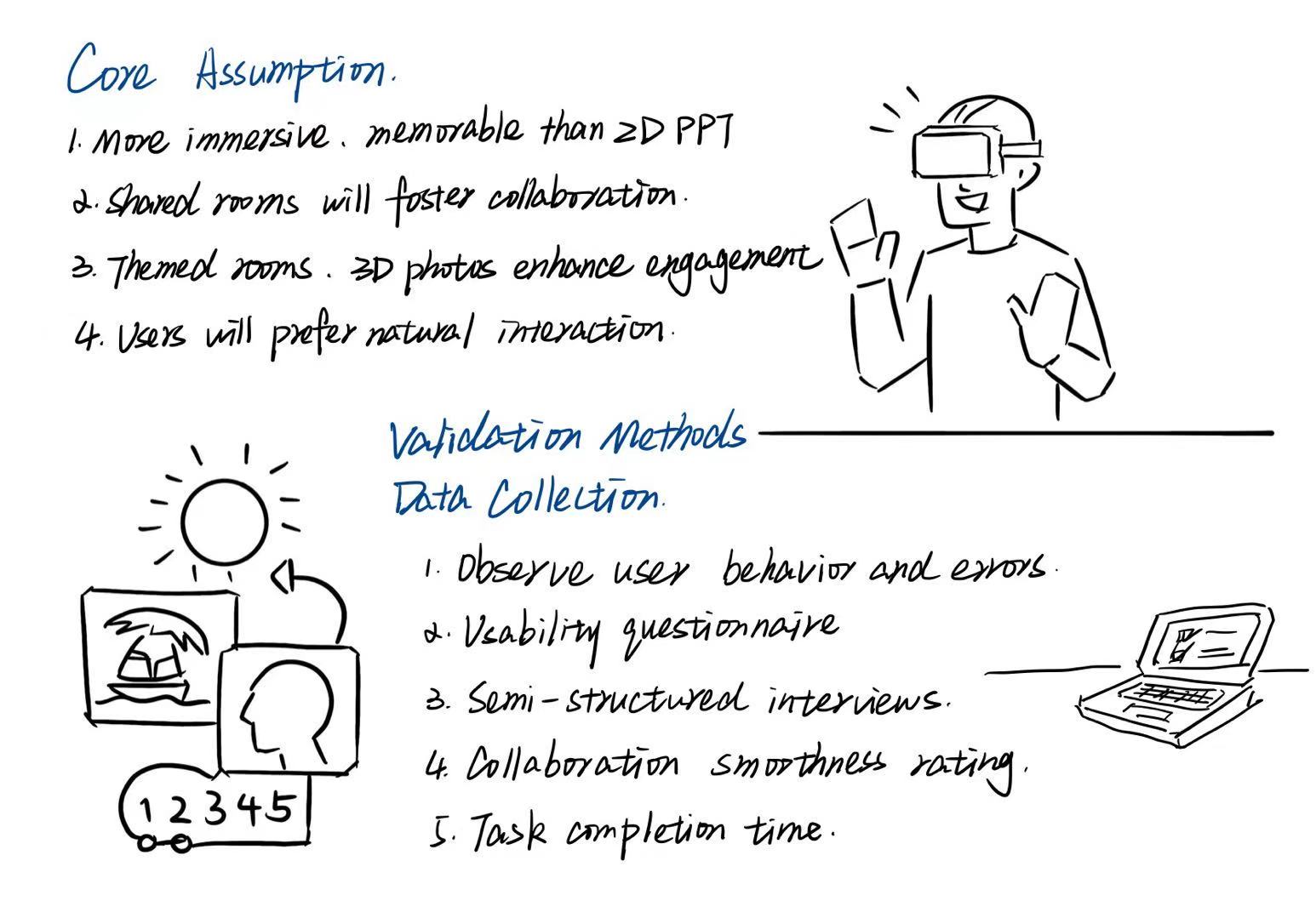
- Test slide placement and editing.
- Enable photo scene sharing.
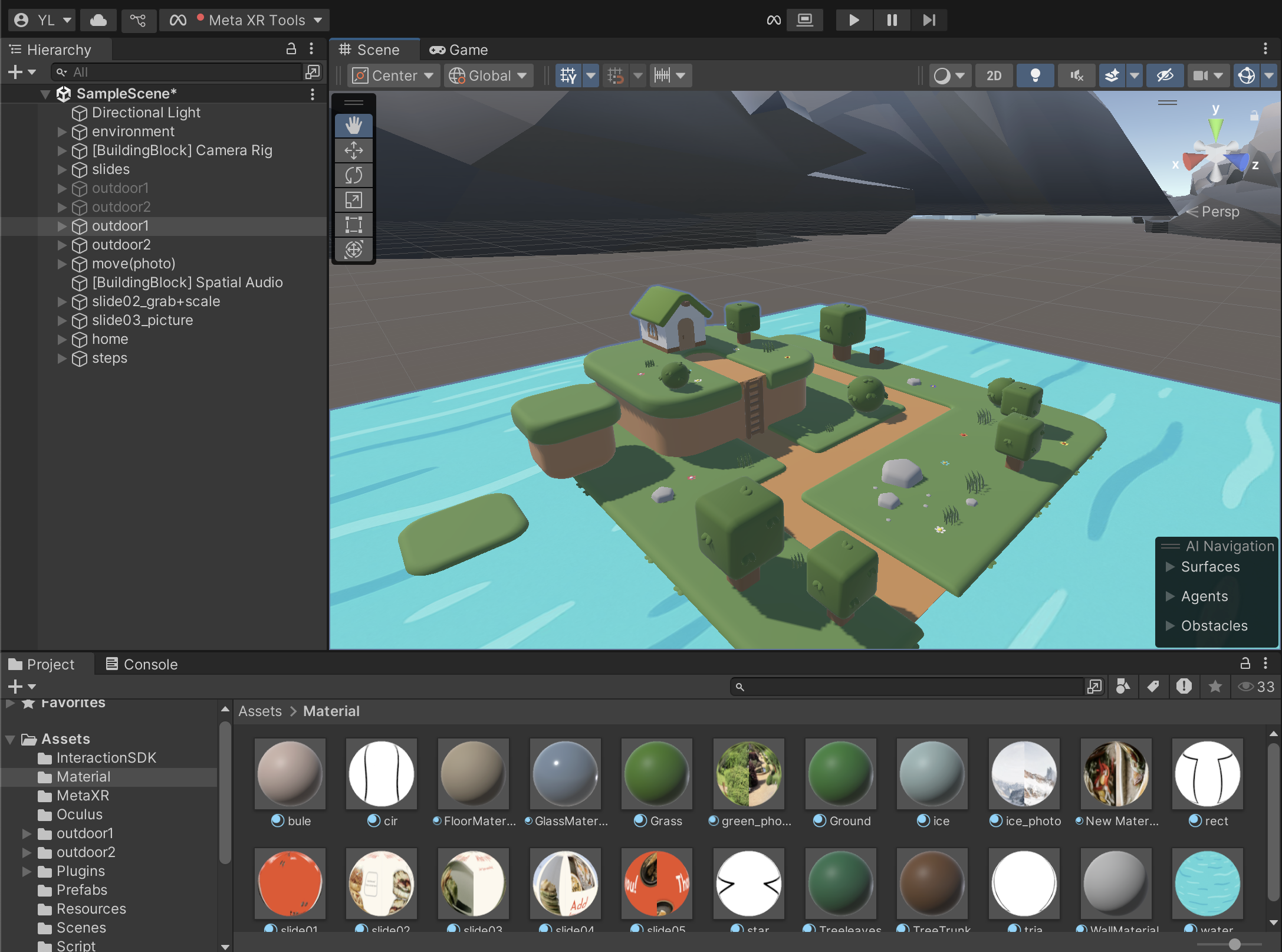
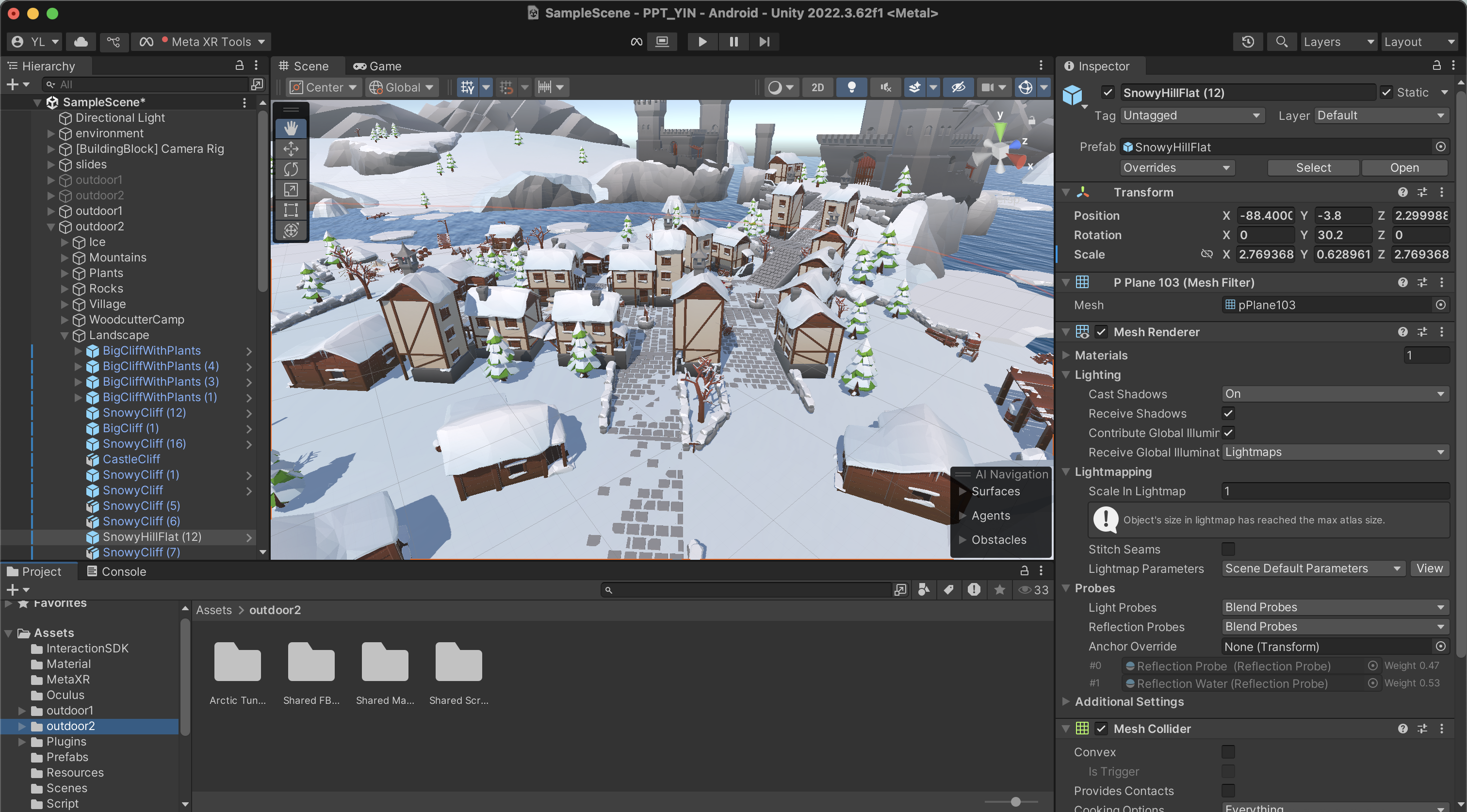
- Explore immersive themed environments.
Findings
- Users struggled with slide editing (deletion, switching, mode confusion).
- Photo sharing worked, though returning from scenes caused some confusion.
- Themed rooms were engaging but not clearly tied to presentation tasks.
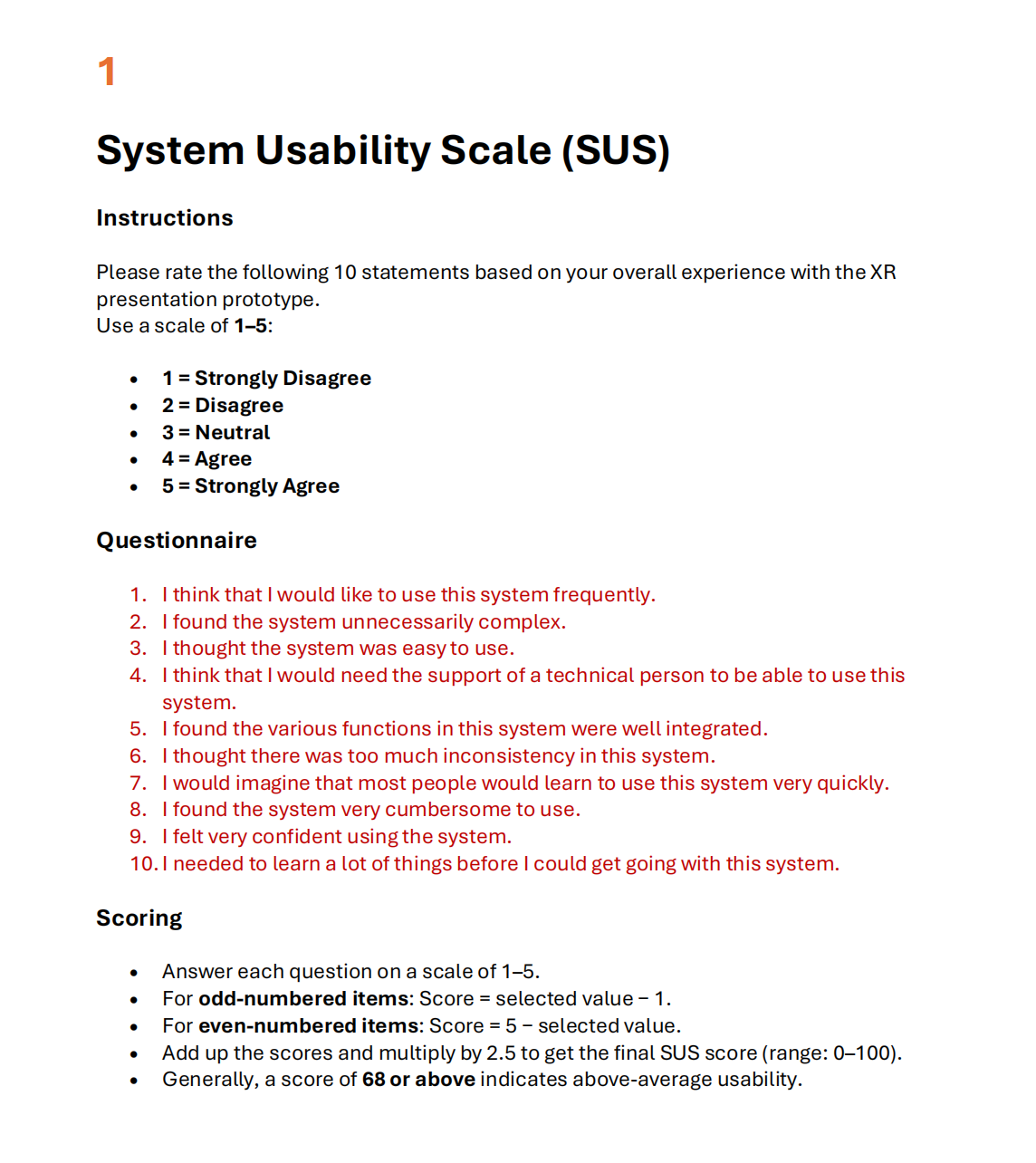
- Average SUS usability score: 68 — met benchmark but revealed inconsistencies.
Design insights: clearer mode cues, core editing (delete/switch), consistent navigation, stronger theme–content links.
Gallery · Horizontal Exploration
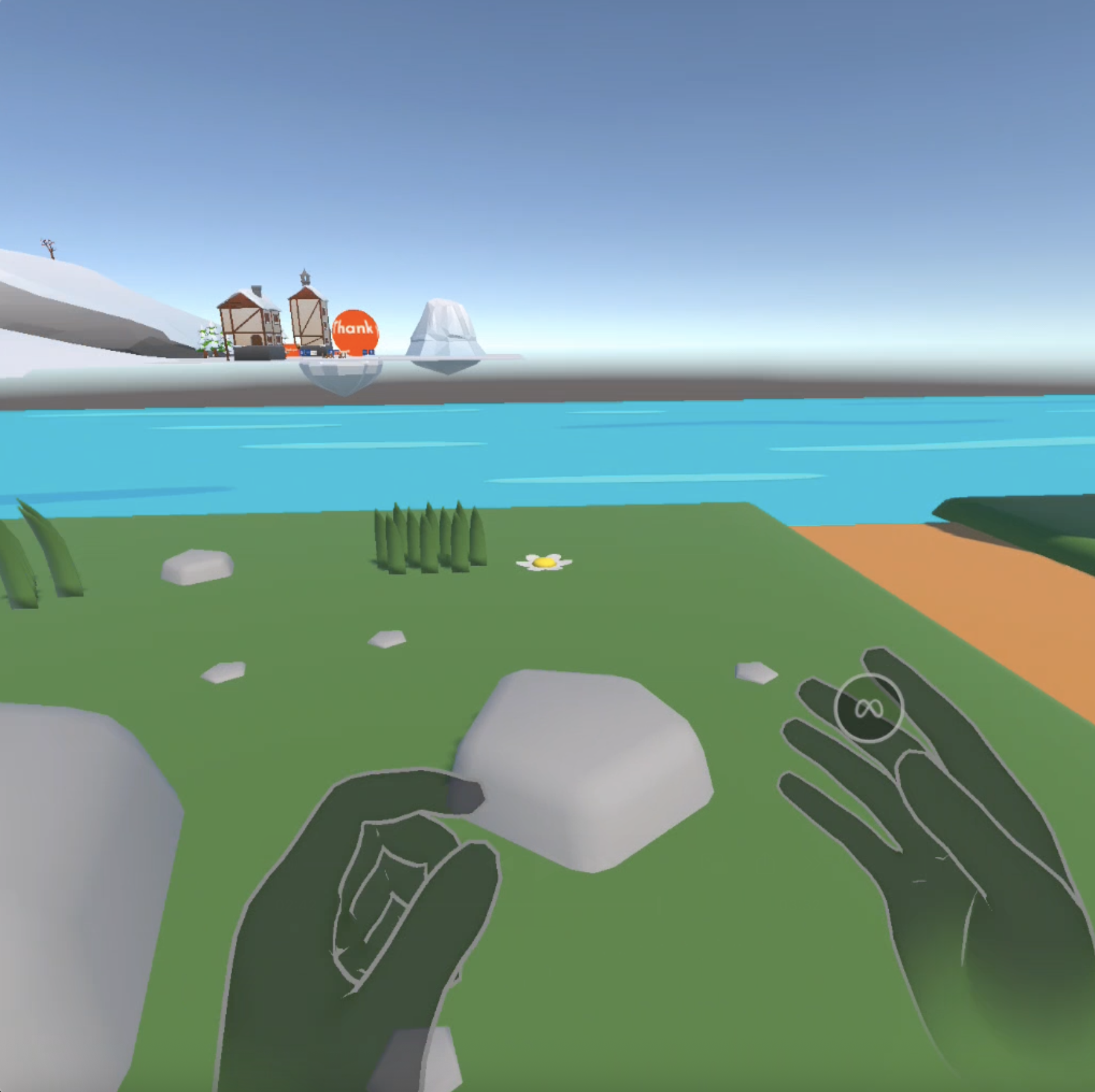
Prototype 2: Vertical Depth
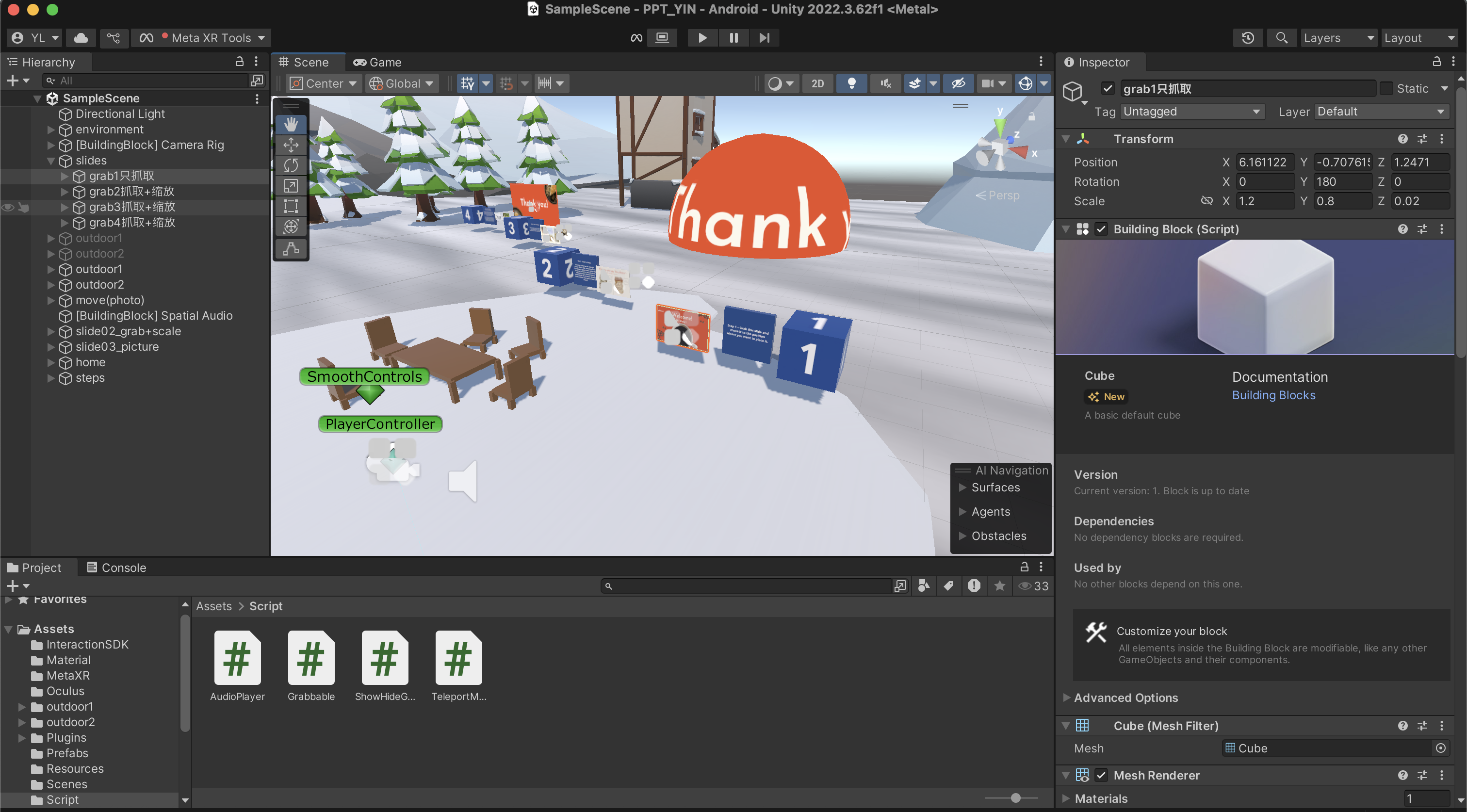
Meta Quest • gesture-based • depth over breadth
Core Functions
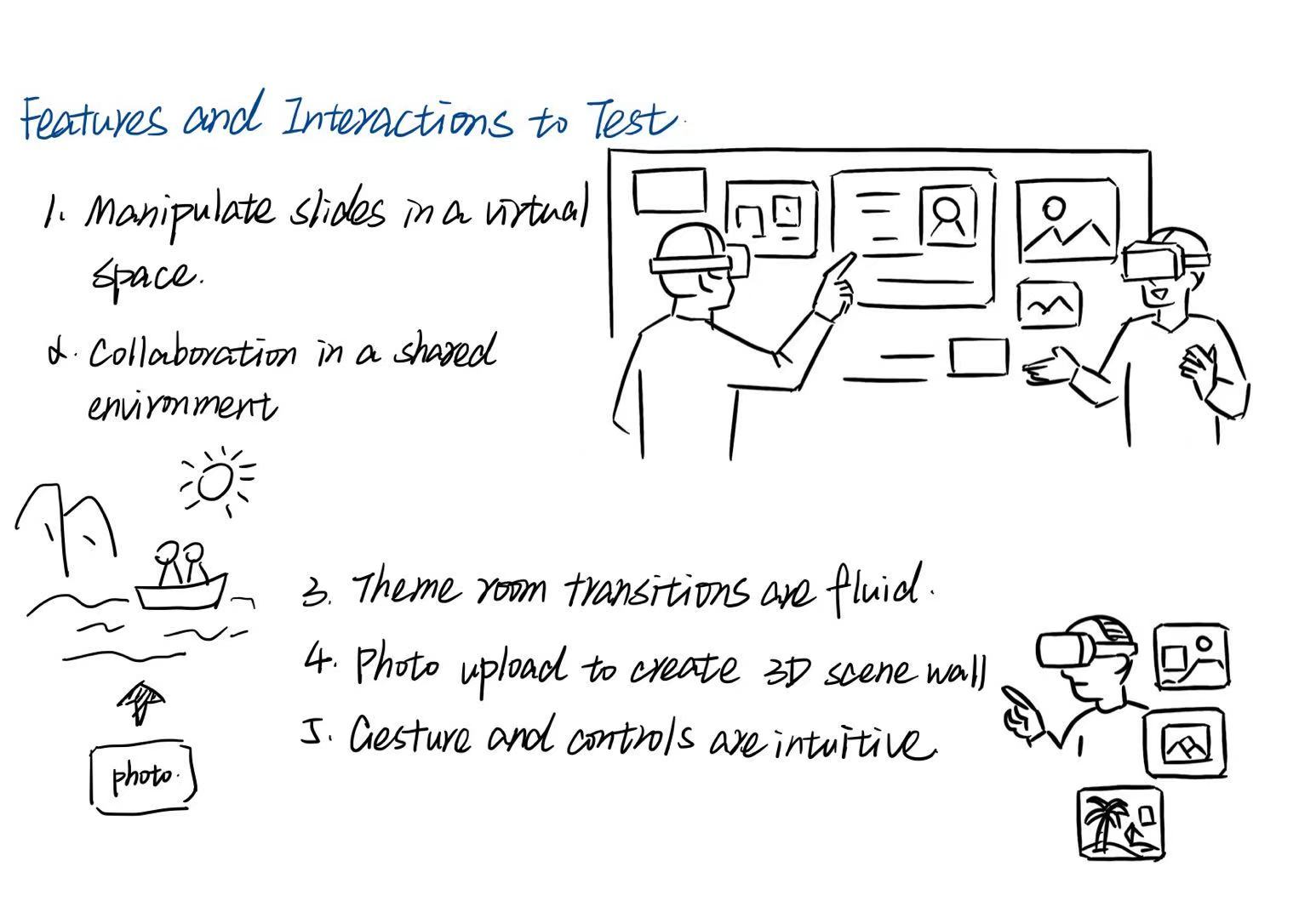
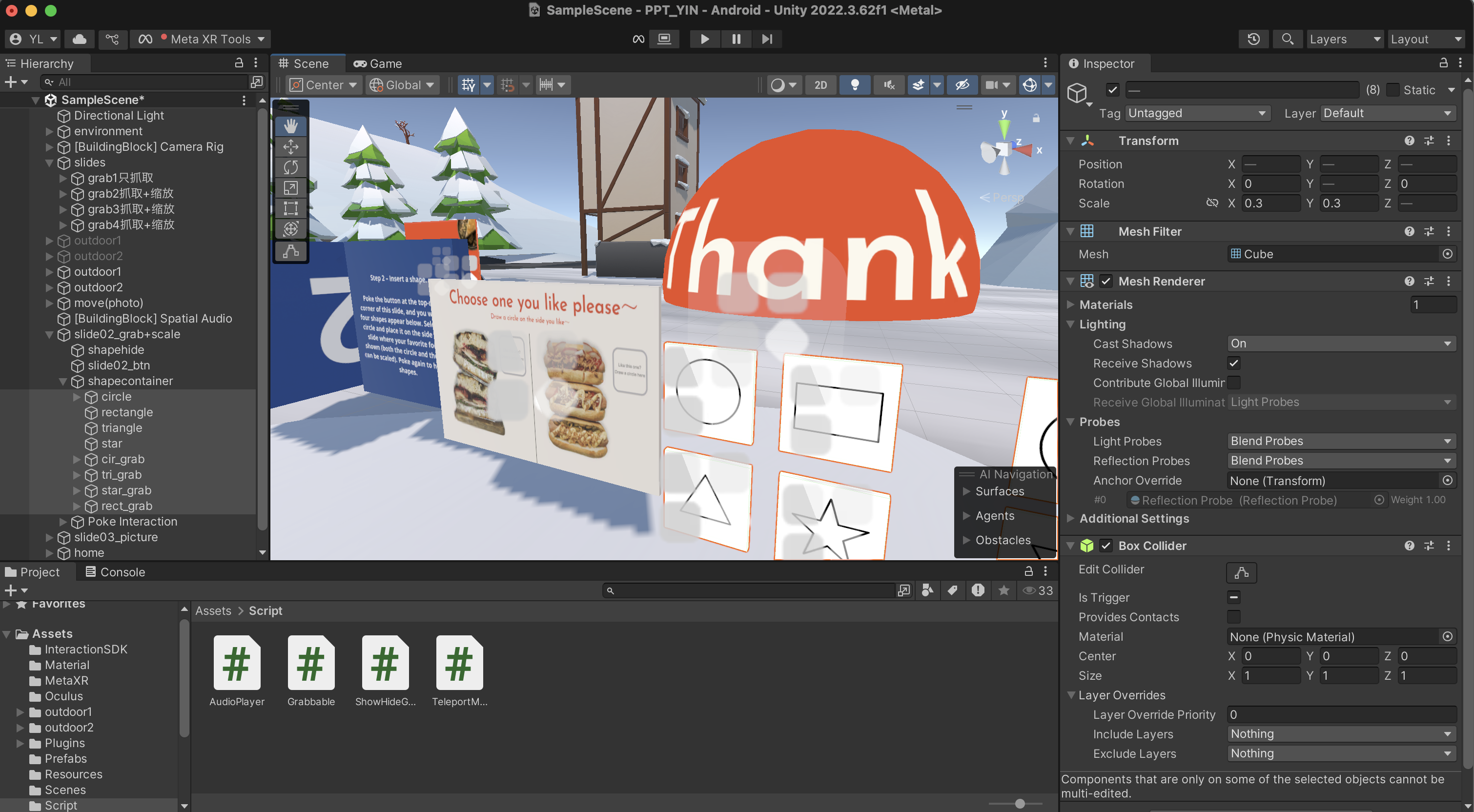
- Slide placement and scaling.
- Shape insertion via poke interaction.
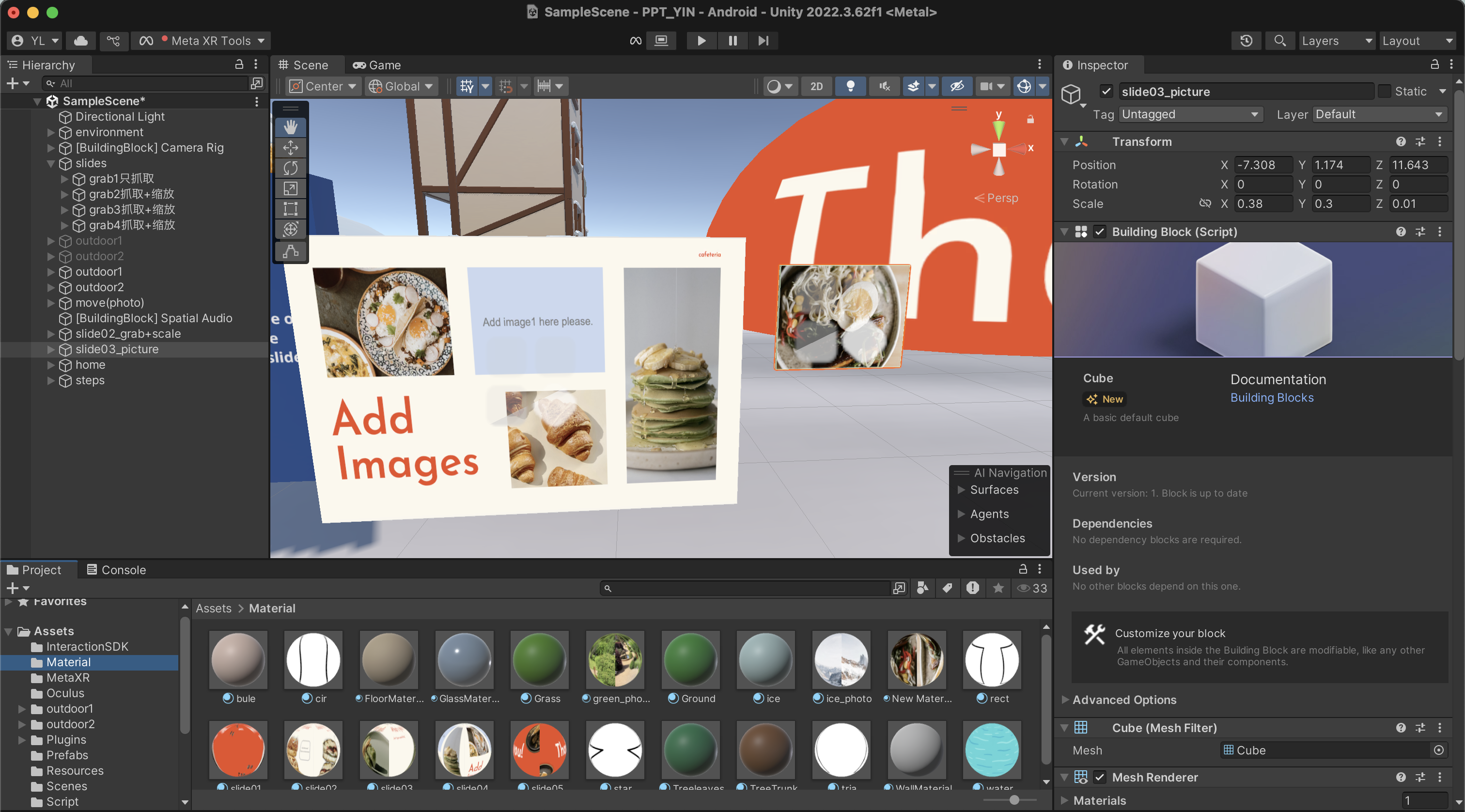
- Image placement on slides.
- Palm gestures (up/down) for immersive photo sharing.
Testing Approach
- Think Aloud protocol to capture reasoning.
- SUS questionnaire to benchmark usability.
- Interviews for insights on gestures, ease of use, and engagement.
Expected Outcomes
- Intuitive slide manipulation and scaling.
- Natural shape and image insertion.
- Engaging, gesture-based photo sharing.
- Improved user experience compared to Prototype 1.
Meta Testing
Gallery · Vertical Depth
Ongoing Work
Still in development.
